
F
F.
User
So, i have chrome and google on my phone. Both as apps. I use Google to search up things and usually when i open a website, there is a Chrome overlay, which works with Google.
What i mean is
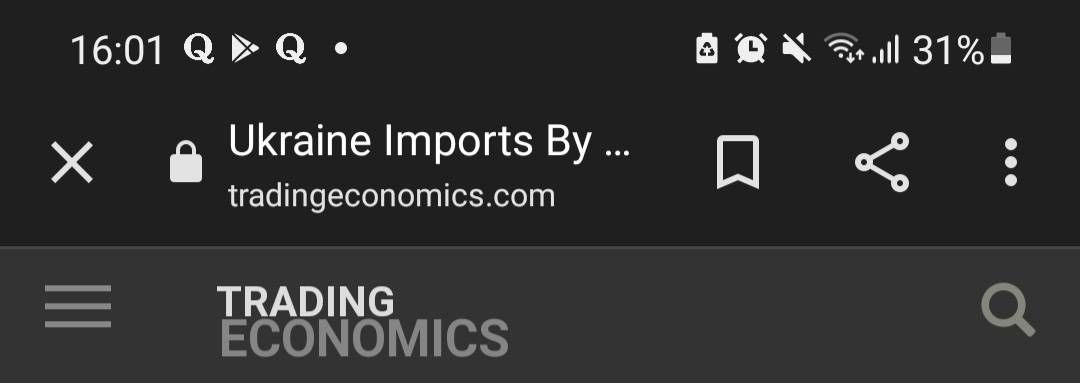
this overlay. It works with Google together and saves websites that i mark in Google right here :
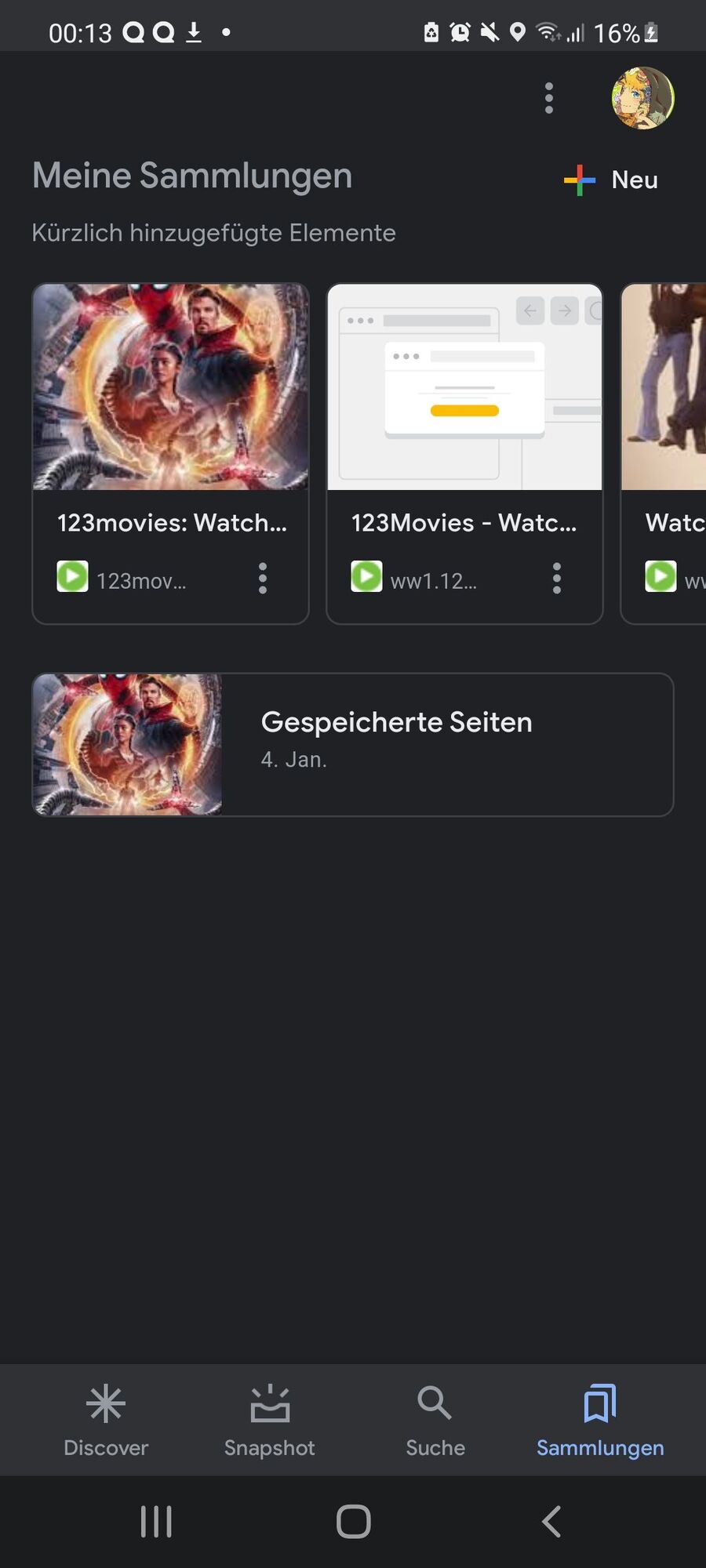
(German btw.)
Today though, the overlay doesnt appear anymore while the normal chrome opens :
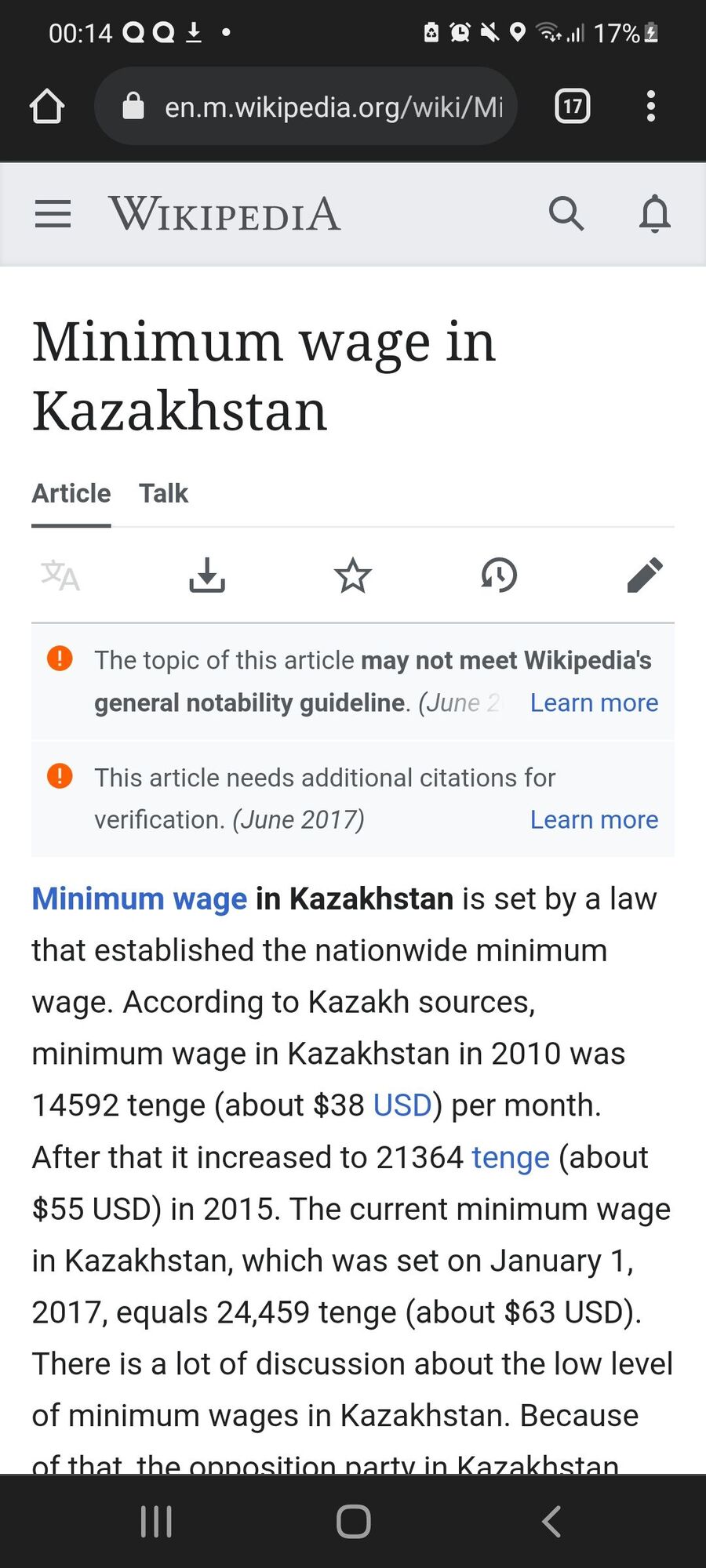
(This for example)
The problem is that i want the old overlay back so i can save my things to Google (Google app) and see them there, but if i want to mark a website now, it wont be saved to Google, but only to Chrome.
How can i get the overlay that works with Google back? I havent installed the new update yet, so could it be because of that? I really want it back so i can see my sites in the google app. Gelöst! L: Gehe zu Lösung.
What i mean is
this overlay. It works with Google together and saves websites that i mark in Google right here :
(German btw.)
Today though, the overlay doesnt appear anymore while the normal chrome opens :
(This for example)
The problem is that i want the old overlay back so i can save my things to Google (Google app) and see them there, but if i want to mark a website now, it wont be saved to Google, but only to Chrome.
How can i get the overlay that works with Google back? I havent installed the new update yet, so could it be because of that? I really want it back so i can see my sites in the google app. Gelöst! L: Gehe zu Lösung.
 Wenn du deine Daten synchronisieren möchtest, kannst du Samsung Health mit Google fit verbinden. So kannst du gespeicherte Informationen verschieben.
 Google Fotos bietet Ihnen kostenlose Speicherkapazität für Ihre Fotos. Da E-Mails, Aufzeichnungen und Bilder jedoch alle denselben Speicherplatz nutzen, ist es ratsam, diesen sorgfältig zu überwachen. In diesem Leitfaden erfahren Sie alles, was Sie dazu wissen müssen.
 Hier finden Sie einige Lösungen, die Sie ausprobieren können, wenn OK Google auf Ihrem Android-Gerät nicht funktioniert, und zwar ohne technisches Fachwissen.
 Wenn du dein Android-Gerät auf die Werkseinstellungen zurückgesetzt hast, musst du die Google-Sperre deaktivieren, um das Telefon wieder einrichten zu können. Dazu musst du die Daten des Google-Kontos angeben, das zuvor mit dem Telefon verknüpft war. In dieser Anleitung zeigen wir dir, wie du die Sperre umgehst.